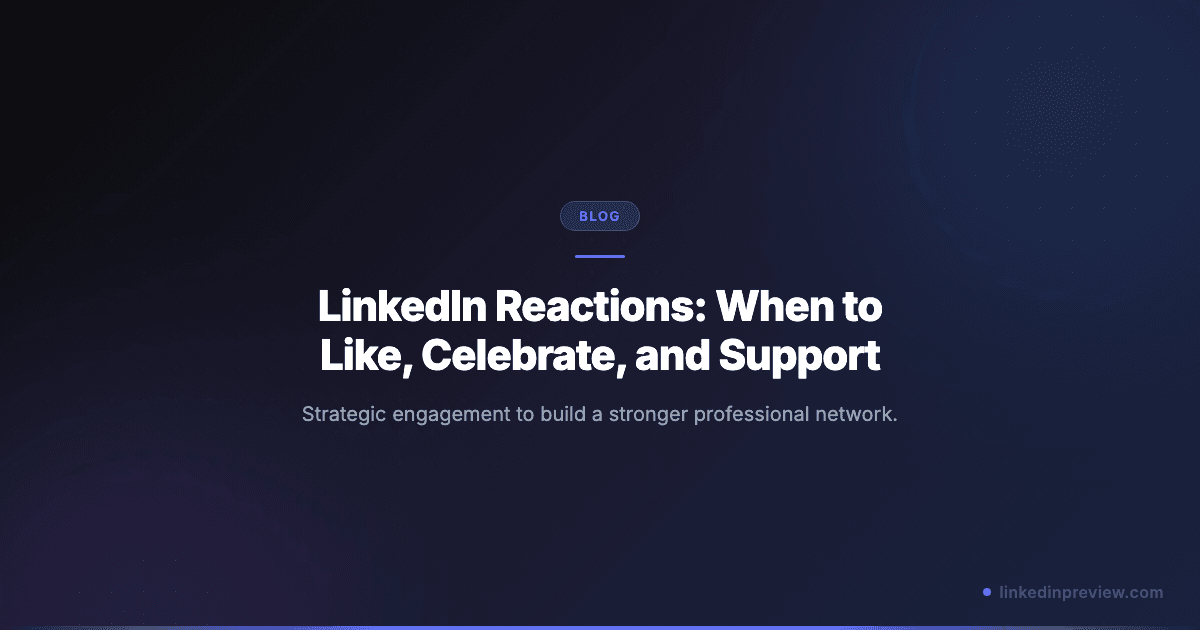
When you hover over the "Like" button on a LinkedIn post, you are presented with a menu of reactions: Like, Celebrate, Support, Love, Insightful, and Funny.
It is easy to treat these as interchangeable, but they aren't. Choosing the right reaction can strengthen your professional brand, build a deeper connection with the poster, and even influence how LinkedIn's algorithm categorizes the post.
In this guide, we will explore how to use LinkedIn reactions strategically to boost your engagement and network.
Understanding the LinkedIn Reaction Suite
1. Like (👍)
When to use it: The default reaction for general agreement or acknowledgment. It is perfectly fine for quick support, but it carries the least "weight" in algorithmic terms compared to more specific reactions or comments.
2. Celebrate (👏)
When to use it: Milestones and successes. Use this for work anniversaries, job promotions, launching a new product, or reaching a major personal goal. It is an easy way to build rapport by acknowledging professional growth.
3. Support (❤️)
When to use it: Significant achievements, philanthropic efforts, or vulnerability. Use this when someone shares a personal story, a hard-won lesson, or a contribution to a community cause. It signals empathy and genuine care.
4. Love (🥰)
When to use it: Very personal milestones. Use this for life events that aren't strictly professional - like a new baby, a wedding, or a major life pivot. It shows that you value them as a person, not just a professional connection.
5. Insightful (💡)
When to use it: This is the most valuable reaction for building authority. Use it for data-backed research, unique frameworks, counter-intuitive insights, or deep dives into industry problems. It signals to the algorithm that the content is educational and expert-level.
6. Funny (😂)
When to use it: Humorous takes on professional life, industry memes, or relatable work anecdotes. If a post genuinely makes you laugh, this is the appropriate reaction.
Strategic Benefits of Using Reactions
While a reaction is a low-effort engagement, it serves three major purposes:
- Notification Trigger: The poster receives a notification whenever you react to their content. It is a subtle way to keep your name in front of them without constantly commenting.
- Algorithmic Signal: LinkedIn uses reactions to gauge the sentiment and relevance of content. "Insightful" reactions, in particular, may help the algorithm surface similar high-quality content in your feed.
- Networking Tool: Using reactions thoughtfully builds reciprocity. People are far more likely to engage with your content if you have engaged with theirs.
Best Practices for Strategic Engagement
- Prioritize Comments: Reactions are great, but comments are 2x more valuable for your reach and recognition. If you really like a post, react and comment.
- Be Consistent: Don't just engage with the 5 biggest influencers in your niche. Engage with peers, potential collaborators, and your own followers.
- Avoid "Drive-By" Liking: Don't spend 5 minutes blindly clicking "Like" on every post in your feed. It is ineffective and can look like automated activity.
- Vary Your Reactions: Don't default to "Like" for everything. Using "Celebrate" or "Insightful" appropriately shows that you are actually reading and valuing the content.
Final Thoughts
LinkedIn reactions are a simple tool, but using them with intent builds a stronger, more supportive network. Next time you see a great post, pause for a second, choose the most relevant reaction, and consider if adding a thoughtful comment would add even more value.
Ready to start conversations with your content? Try linkedinpreview.com now to format your posts for maximum visibility and impact.
Related guides: